
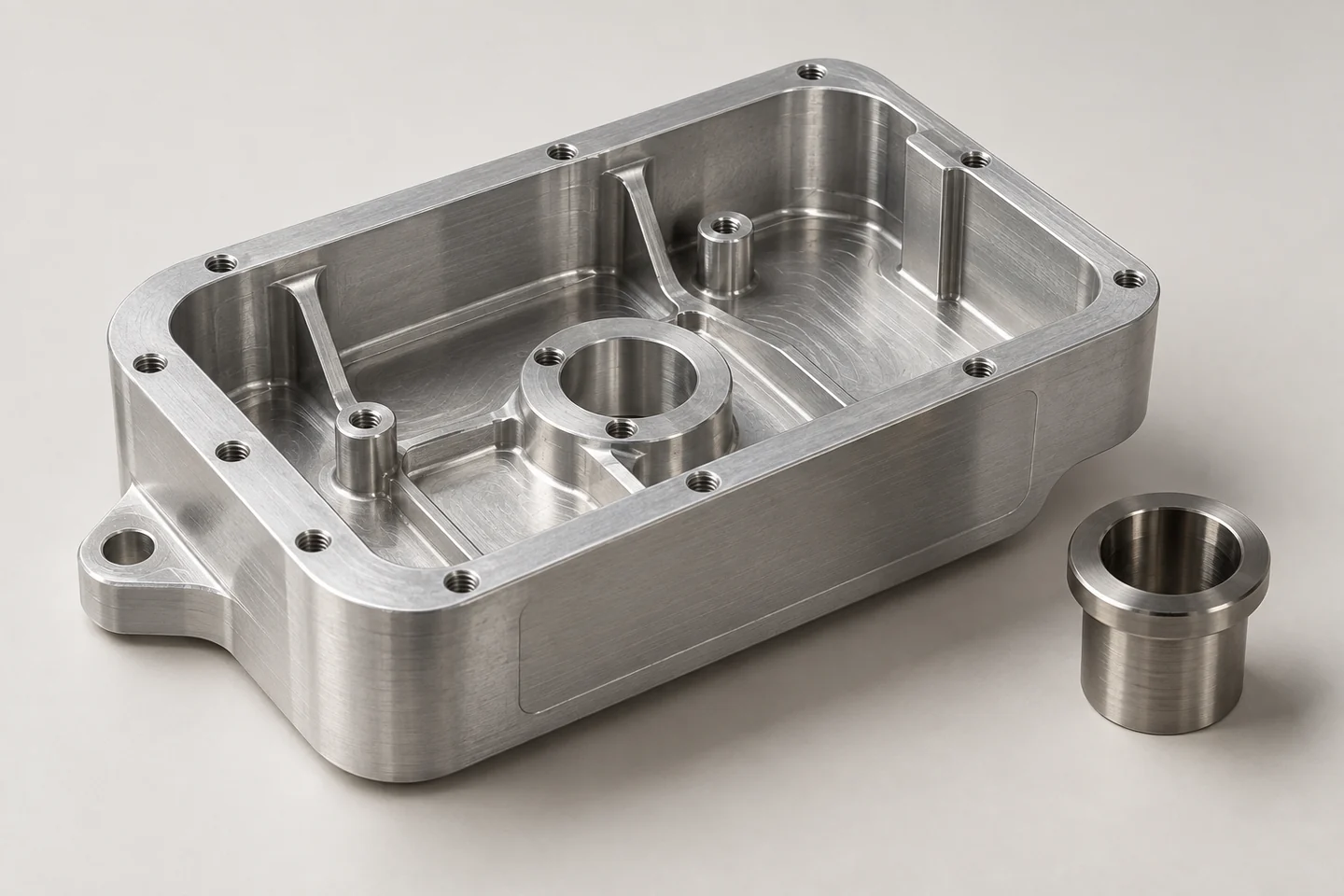
Organize geometry, critical dimensions and revision information before requesting a review.
Create a clear file package
Give the project a short reference name and identify the current revision. Include a 3D model when available and a readable drawing for dimensions or requirements that need explicit attention. State the units and identify the intended manufacturing process if known. A file name should help the recipient distinguish parts and revisions without guessing.
Explain what the geometry does not say
Material grade, surface treatment, threads, inspection needs and cosmetic requirements may not be clear from a model alone. Put these in the brief or drawing. Highlight critical interfaces instead of asking for the tightest possible control everywhere. If a tolerance is essential, make it explicit and discuss how it will be checked.
Keep assemblies understandable
Provide a part list for multi-component projects and identify which parts are being quoted. Distinguish purchased components from custom components. An assembly view can show context, but individual part information may still be needed for manufacturing. State whether the quotation should include assembly, packaging or only the supplied parts.
Share files through an agreed channel
Start with the information needed to understand the project. For confidential files, agree the appropriate sharing and confidentiality arrangements before transfer. Keep one approved revision as the quotation baseline. When a file changes, describe the change and request confirmation that the new revision is being used; avoid sending several unexplained versions of the same part.